
Welcome.
You’re in.
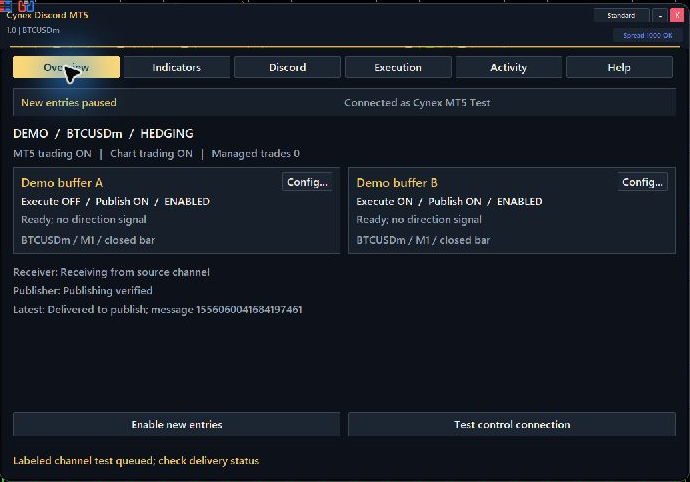 Actual MT5 dashboard · demo configuration. Full size
Your online course, PDF guide, community and free EA gift. Start below.
Welcome to the community.
Connect with Issam Algo customers and stay close to every update.
Start here.
Watch the first lesson and follow the PDF on demo. The guide covers bot creation, channel permissions, indicators A and B, every dashboard section and command examples.
Connect Discord and MT5.
Follow bot creation, channel permissions, the dashboard and your first demo test.
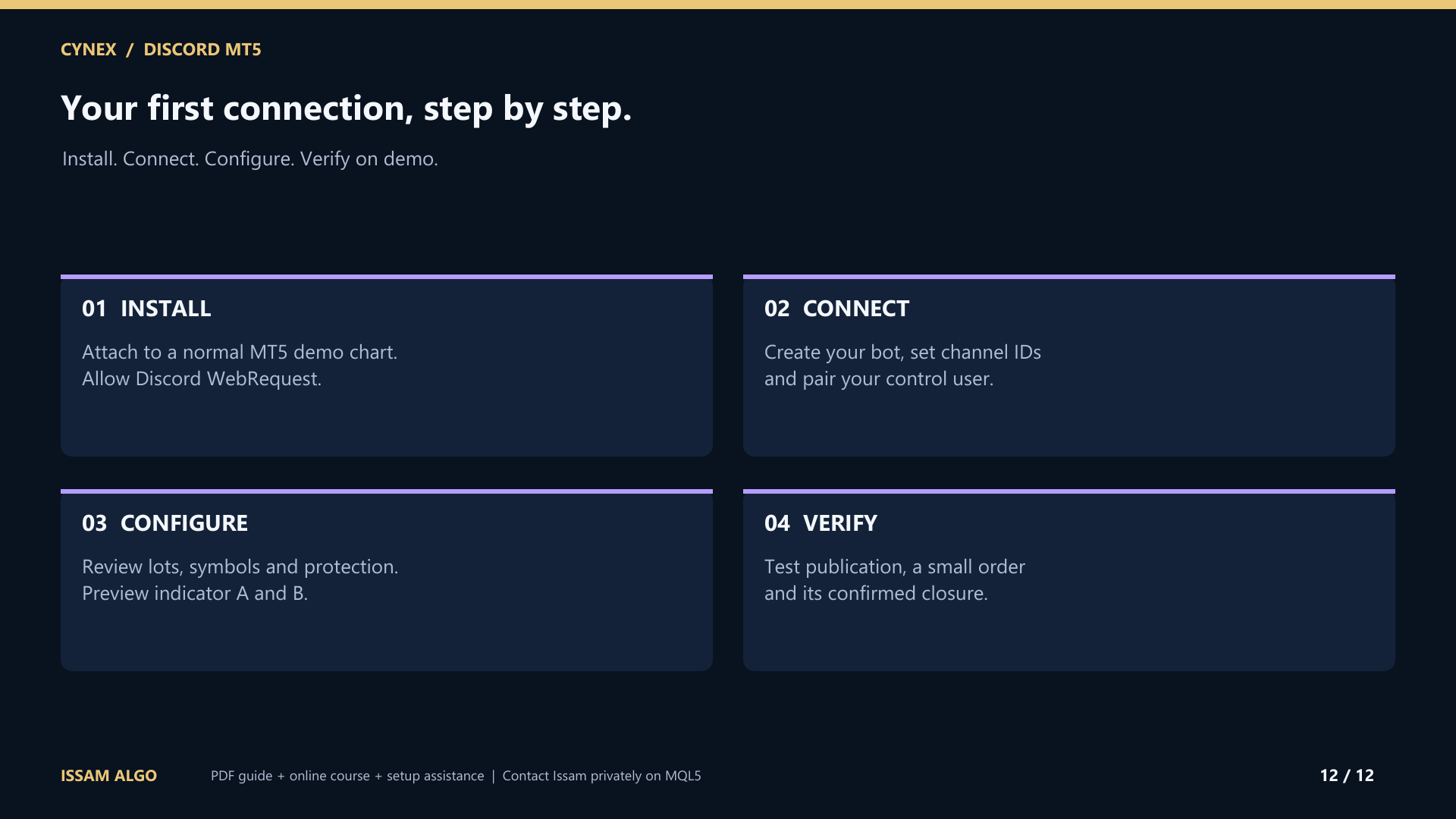
Your first connection, step by step.
- Install on a demo chart.
Use MT5 desktop. Attach Cynex and allow https://discord.com in Tools, Options, Expert Advisors, WebRequest. Keep new entries paused.
- Create and install your bot.
Use the Discord Developer Portal, enable Message Content Intent and install your bot in the intended server. Give it only the channel permissions it needs.
- Connect three clear routes.
Use separate input, output and private-control channels. Enable Discord Developer Mode to copy the channel IDs. Enter the full bot token or import a local token file; never share the token.
- Pair your operator and configure.
Connect the bot, use the displayed pairing code in private control, and review lots, protection, symbols and optional limits. Preview indicators A and B before enabling their independent routes.
- Verify the actual result.
Test a status reply and a channel post. Enable both MT5 Algo Trading permissions and Cynex execution before a small demo order. Verify its broker fill, modification and closure, then pause entries.
Claim your free Smart Universal EA.
Complete these three steps to receive your Smart Universal Expert Advisor bonus.
- 1Confirm your Cynex purchase.Keep your MQL5 purchase details ready for Issam.
- 2Message Issam.Privately send your purchase details, MT5 broker name and trading account number. Never send your password or bot token.
- 3Receive your EA.Issam will arrange the separate gift licence and guide you through setup.
Your gift does not require a review. Cynex works independently; Smart Universal EA is an optional companion for your other automation workflows.
I’m here.
Message me and I’ll help you get everything running.