Read the context.
Compare the trend, chart structure and filter readings before choosing a setup.
 ISSAM ALGOAsk Issam
THE SMART TREND MT5 OFFER
Your chart analysis. Your optional automation.
Two tools to build one trading workflow.
Full license required. Gift activated separately after contact. Onboarding includes an honest review. See claim conditions.
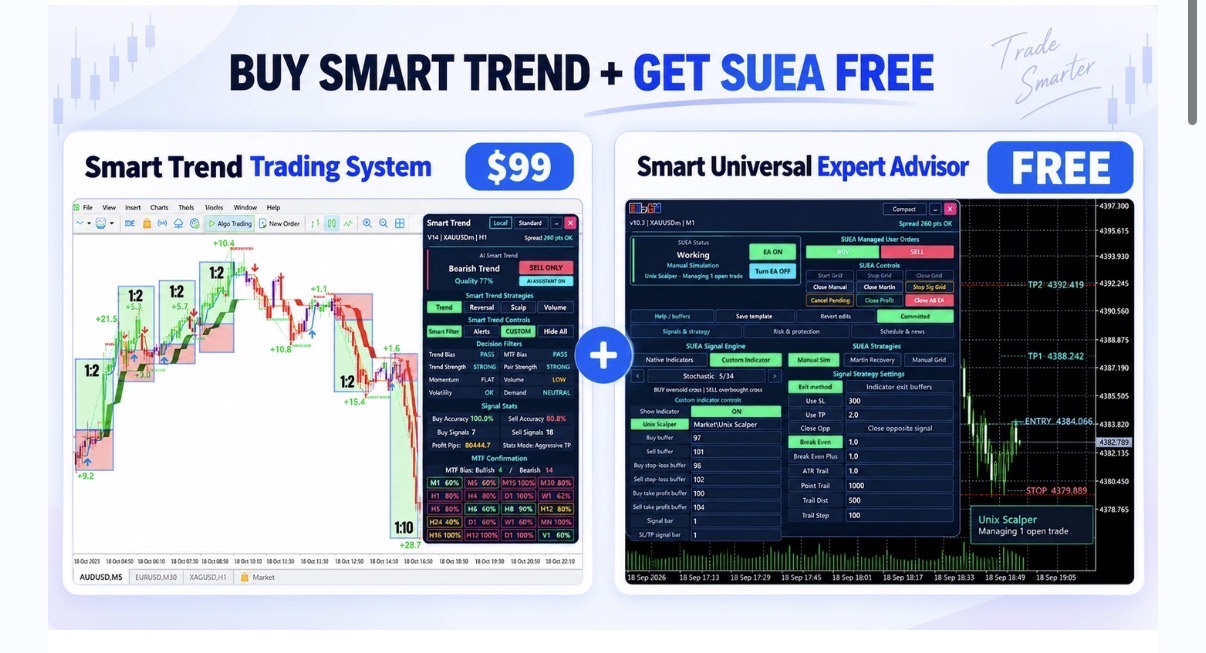
MORE THAN AN INDICATOR
Start with Smart Trend on your MT5 chart. Add the free EA when you’re ready to automate compatible signals. Learn the connection step by step.
No extra charge for the EA gift. Its account-specific license differs from an unrestricted Market license.
THE OFFER, EXPLAINED
See what Smart Trend does, how the EA uses its signals, and the five steps to test the connection.
The player connects to YouTube only when you press Play or select a chapter.
START WITH A CLEARER CHART
Bring trend direction, entry and exit signals, reversal zones and key price levels together. Spend your attention on the setup and the rules you want to follow.
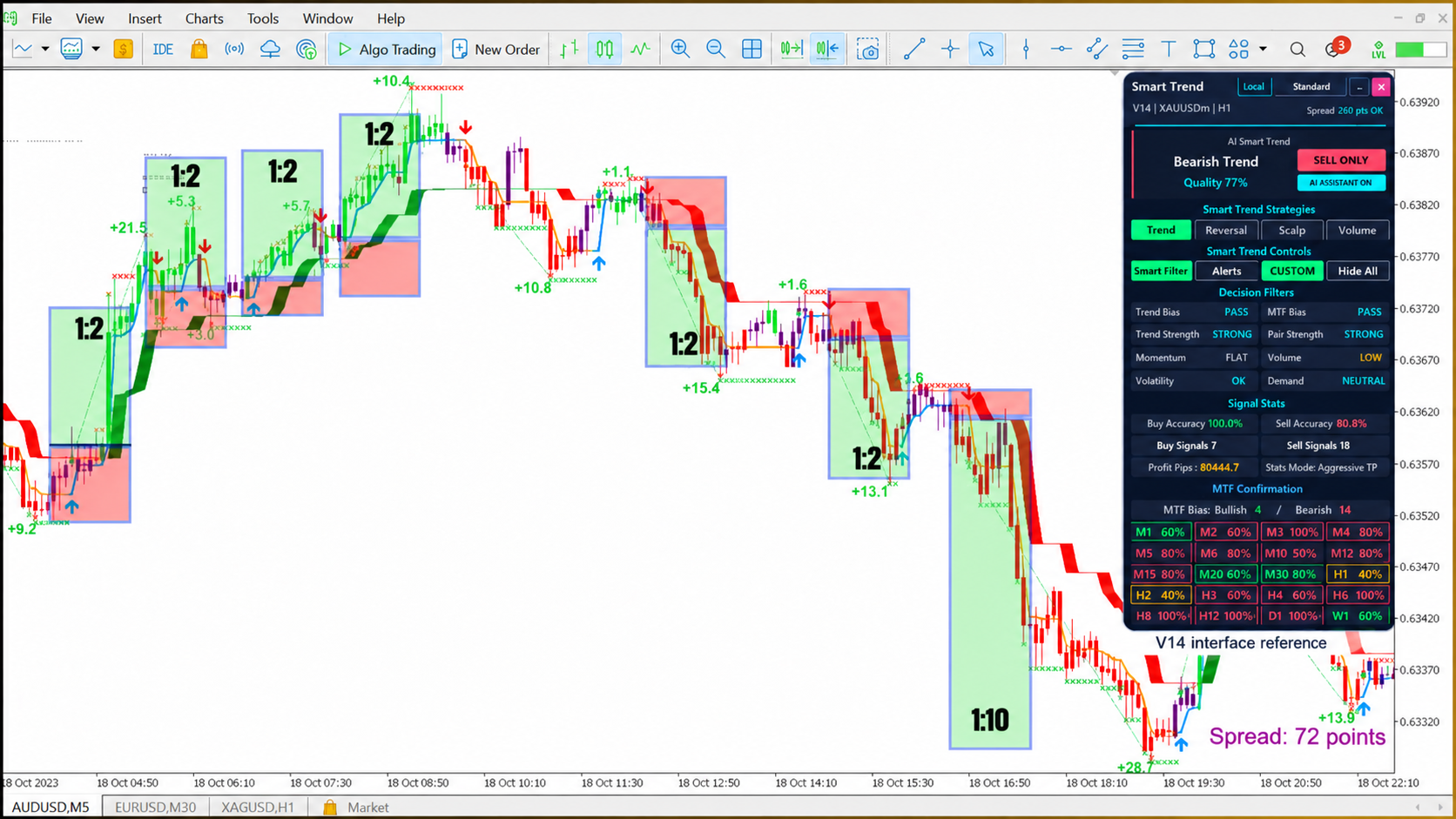
V14 historical illustration. Displayed statistics and risk/reward labels describe this example; they do not predict your results.
Compare the trend, chart structure and filter readings before choosing a setup.
Review the entry, invalidation and target. Choose a risk level you understand.
Trade manually, or configure the separate EA around supported signals and your own rules.
ONE CHART. MORE CONTEXT.
Start with one approach. Build familiarity with its signals and settings, then explore the rest.
Bring trend readings, entry and exit arrows, and important price levels into the same workspace.
Use reversal zones and chart context to assess possible changes in direction.
Explore shorter-term signals while accounting for spread, execution costs and your risk settings.
Use the volume-based tools as another part of your analysis, alongside price and trend.
TWO TOOLS. DISTINCT ROLES.
Smart Trend is the indicator: it analyses the chart and produces signals. Smart Universal EA is the separate MT5 execution tool: it can act on compatible signals after you configure it.
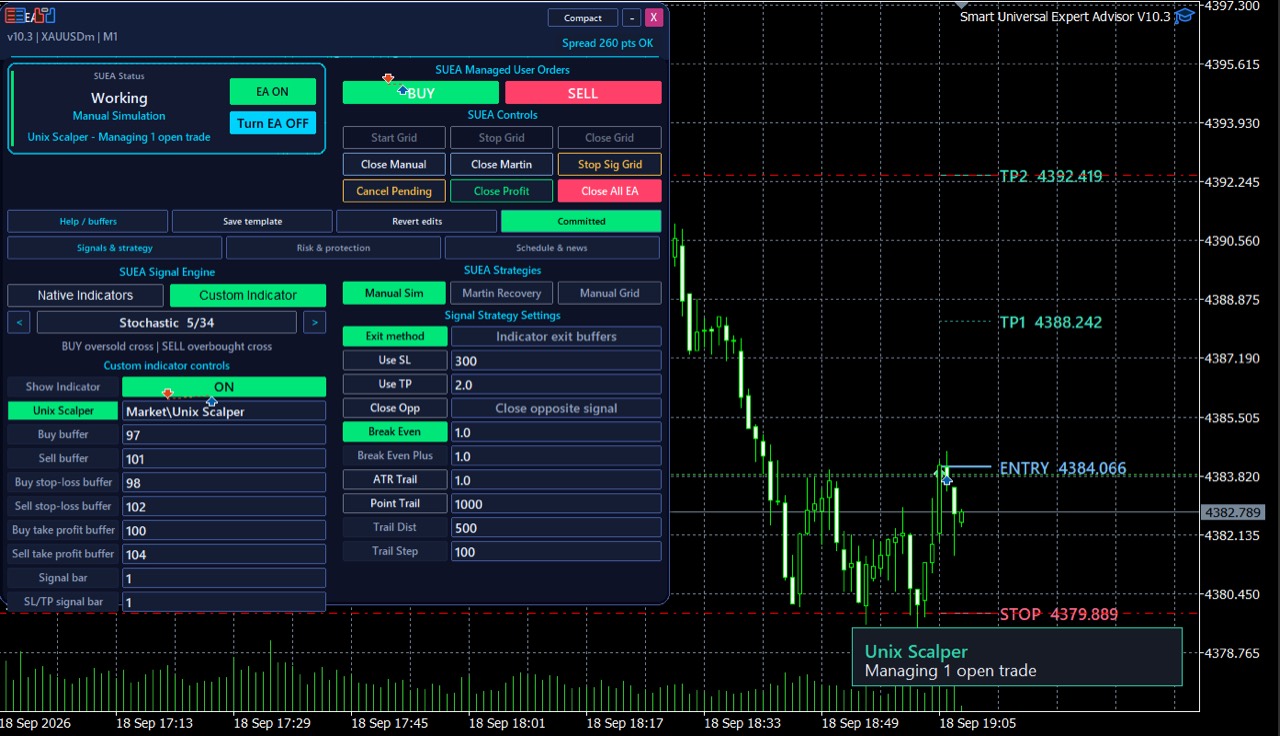
Actual EA interface. This example shows a Unix Scalper connection; configure the STTS connection using its own guide.
Chart context & indicator signals
Connection · trade size · risk controls
Compatible signal execution & trade management
FROM THE MQL5 PRODUCT LISTING
4.79 / 5 · 262 reviews
Listing snapshot: 7 November 2026.
Read all reviews on MQL5 ↗
“Very user friendly. Easy to understand”
“Incredibly well made indicator”
“Great Indicator, great support”
Short excerpts from public customer reviews. Individual experiences are not performance guarantees. The current gift onboarding asks for an honest review.
THE COMPLETE STARTING POINT
Chart tools, learning resources and a separate path to automation.
WHAT YOU GET & HOW TO START
The MT5 indicator is purchased through MQL5. The EA gift is supplied and activated separately by Issam.
Use the official MQL5 product listing. This offer is for the full purchase, not a demo or rental.
The current onboarding steps ask for an honest review of your experience, then a message to Issam with your MT5 broker name and trading account number. Send these privately through the existing support channel.
Issam activates the gift for your MT5 trading account. Follow the manual and connection lessons, then validate your setup on demo before live trading.
A FEW THINGS TO KNOW
No. Smart Trend is an indicator. Optional automation is handled by the separate Smart Universal EA after its connection, signal and risk settings are configured.
Yes. Read the chart and act on your own decisions. You do not need to activate the EA to use Smart Trend for analysis.
No. Request it from Issam after the full purchase and follow the claim steps above. Its separate, account-specific activation is different from the indicator’s MQL5 license.
This page and purchase link are specifically for MetaTrader 5. Other platform editions are separate purchases. The MT5 EA gift cannot run in MT4 or TradingView.
Review the official MQL5 listing’s demo option, screenshots and product information. Watch the walkthrough and ask Issam any compatibility questions before buying.
No. Signals can be wrong and automated trading can lose money. Historical charts, demonstrations and simulations are not guarantees. Test the complete setup on demo and use risk limits you understand.
The US$69 price is a one-time full MT5 indicator purchase on MQL5. TradingView subscriptions are separate. Review the current listing and platform terms at checkout.
Your indicator purchase is managed by MQL5. The free EA is supplied separately and activated for your trading account. Ask Issam about changing brokers or accounts before relying on the gift for a particular setup.
The current welcome steps ask for an honest review of your experience; a positive rating is not stated as a condition. Follow the existing claim process and contact Issam if you have questions before buying.
Delivery and activation are manual, not instant. Contact Issam after completing the welcome steps. No guaranteed delivery time is advertised on this page.
Start with the 21-lesson master course below, then use the 30 additional recordings for more examples. Older videos may show earlier interfaces, settings or prices. Follow the manual for your installed version.
Message Issam on MQL5 for setup, compatibility and gift questions. Payments and purchase terms are handled by MQL5; consult its terms before ordering.
WATCH BEFORE YOU BUY. LEARN AS YOU GO.
21 master-course lessons, plus 30 additional full-length videos. From your first chart to optional automation. Select a lesson to watch here.
Choose any lesson below. YouTube loads only when you press Play.
Master course reference: STTS V14. Optional companion tools shown in later lessons are separate products. Earlier recordings may contain older settings, prices or offers.
Open the manual and full setup resources →YOUR NEXT TRADING WORKSPACE
Analyse the chart. Learn the workflow. Choose whether to automate.